Update your Layer400 receiver
Check for signed updates, choose a maintenance window and understand recovery before changing your receiver.
01Check the offered release
02Keep power connected
Reviewed · Current receiver requirements
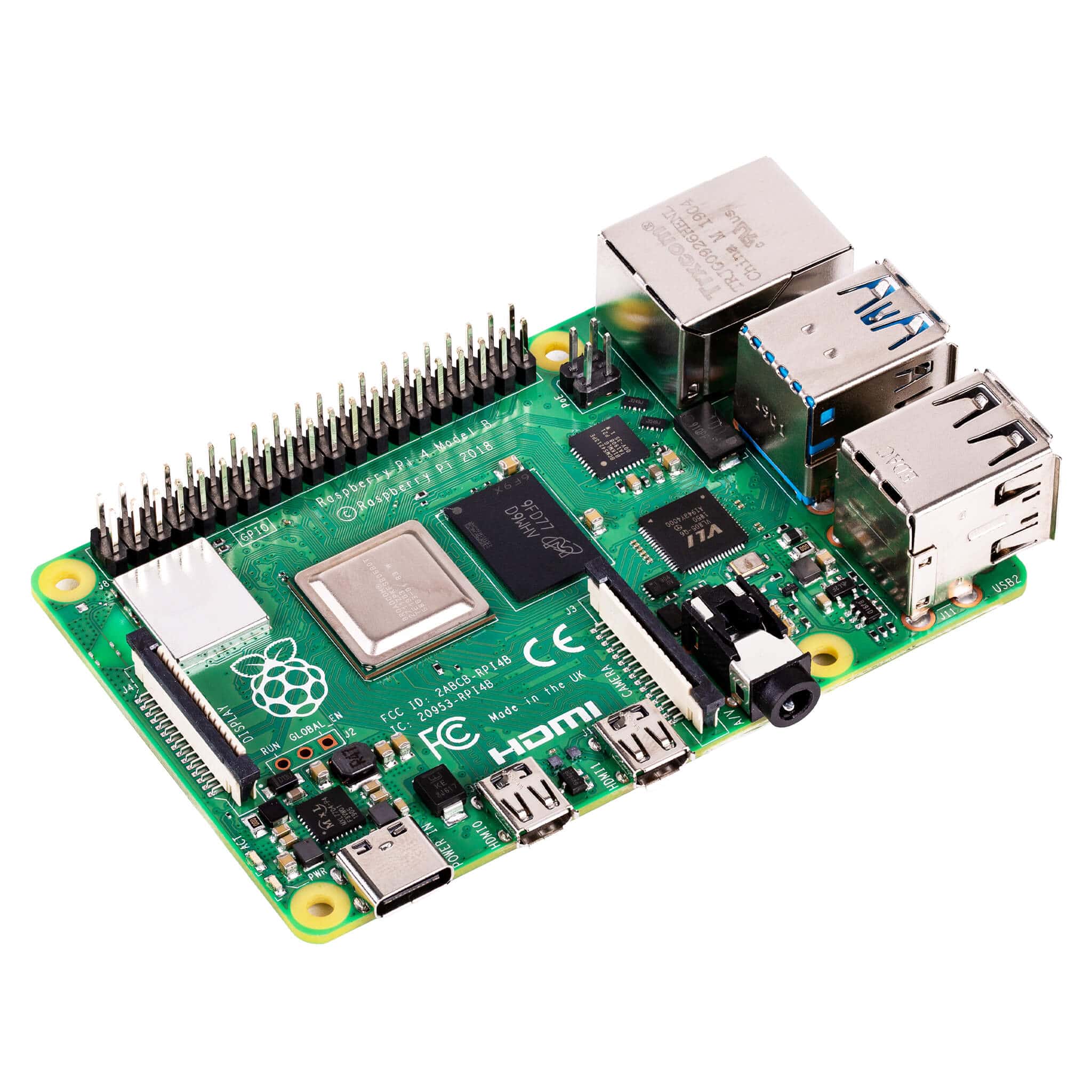
Available worldwide · fresh installs and updates. Compatible ARM64 Linux with APT/dpkg, systemd and resolvable dependencies. Tested Pi models are examples, not an installation allowlist. Current receiver requirements and downloads.
Check and install an update
Open the Pi’s local dashboard and choose Updates & rollback. Check the installed version, select Check for updates and read the offered release notes before installing. Use an administrator account; view-only work accounts cannot install software.
- Confirm the offered version matches your Pi, operating system and architecture. Check the current download and compatibility notes if you are upgrading an older installation.
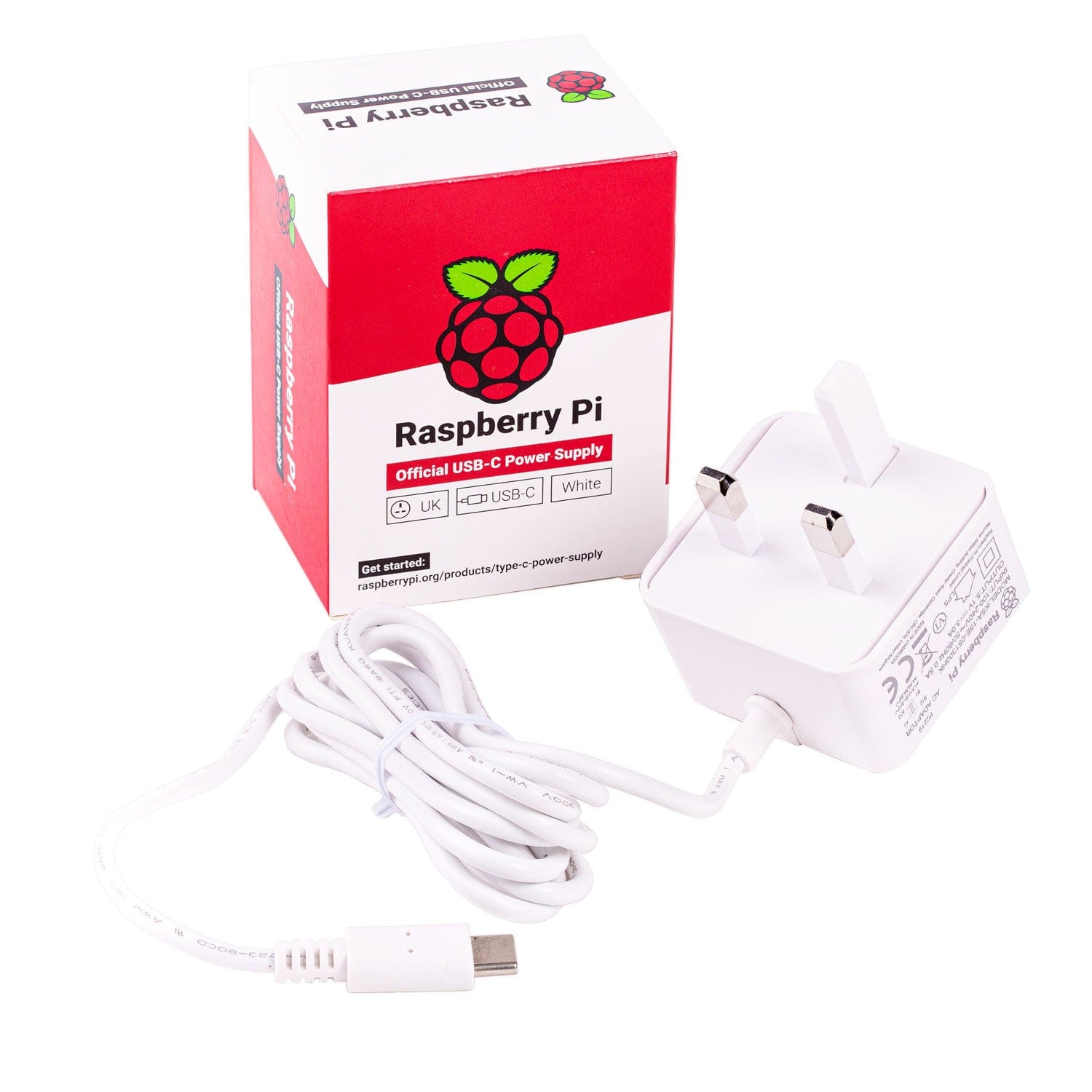
- Select the offered installation action and leave power connected.
- After the dashboard returns, check the installed version, update result, radio status and fresh accepted observations.
A supported fresh installation does not automatically establish an update path from every older release. Use the upgrade route documented for your installed version. Never bypass a signature or compatibility rejection.
Receiver 0.1.0-57 is available worldwide for fresh installs and updates on compatible ARM64 Linux systems. APT/dpkg, systemd and resolvable dependencies are required. Tested Pi models and OS versions are qualification examples, not installation allowlists. Direct updates accept installed versions 39, 46, 47, 48, 49, 51, 52, 53, 54, 55, 56. Older update clients need the documented signed installer or OS-matched .39 bootstrap route; a compatible fresh installation does not establish a direct update path from every older release.
Choose when automatic updates install
In the refreshed dashboard, automatic installation is enabled by default for eligible stable releases. The default target is within two days of discovering the update, during 00:00–03:00 in the receiver’s time zone. Start times are spread between receivers.
Choose one day, two days, seven days or one calendar month, and a maintenance window of 1–12 hours. Save the schedule and check its confirmation. Pausing automatic installation still allows update checks and visible release offers.
A disconnected, powered-off, full or unhealthy Pi can miss its target. It retries in a later maintenance window without resetting the original target. Signature, platform and health checks still apply. Manual-only releases require a deliberate installation. Older software may have different controls; inspect the installed version before expecting the current schedule.
Install a signed update file
- Download the matching
.layer400updatefile from the official downloads page on a computer you can use to reach the Pi. - Open Updates & rollback, choose the file and select Upload and verify.
- Read the verified version and compatibility result, then confirm installation.
- Keep the Pi powered and check the resulting version and health after it returns.
This avoids downloading the release over the Pi’s internet connection. It does not remove signature checks or make ordinary receiver operation independent of its required network connectivity.
Use the right file
.tar.gz- The installation archive. Follow its instructions on the Pi; it is not an SD-card image.
.layer400pi- Your private account and station setup file. Import it during receiver connection, not in Updates.
.layer400update- A signed software update for the supported platforms stated in its release notes.
For a new installation, the current one-line installer is:
curl -fsSL https://layer400.com/install | sudo bashRecovery, rollback and interrupted updates
A failed post-install health check can restore the previously retained release. Identity, settings and saved observations are protected by the update process. Do not remove power to make a slow installation finish.
An available previous-release control is separate from automatic recovery after a failed install. Read the exact release notes before choosing a downgrade; its presence does not qualify every version pair. Rollback pauses automatic installation of the rejected release.
If the browser disconnects, allow the receiver to return, sign in again and inspect the result before retrying. An expired login is not evidence of a failed install. Record the error, installed version and time if recovery is needed. Keep existing feeder services running while you investigate.
Receiver 0.1.0-48: check-ins and recovery
The installer and automatic updater deliver the same signed receiver package. Management check-ins use signed HTTPS requests to layer400.com on port 443 and show server acceptance. Observations use authenticated TLS MQTT to mqtt.layer400.com on port 8884. Allow these outbound connections; do not expose the receiver dashboard through router port forwarding.
The new feeding credential has no weekly expiry. Internet interruptions are retried automatically, and queued observations resume within their retention limits. Management status and recent aircraft or drone reception are separate: a quiet radio does not mean a failed check-in. Older receivers may still use the legacy certificate path.
Check the installed version and the updater result in the local dashboard. Eligible .39, .46 and .47 installations can update through the normal schedule. If an older installation cannot update, use the current signed installer; do not disable authentication or TLS verification.