Troubleshoot your drone receiver
Work through power, connection, radio and upload problems in a useful order, with evidence to collect if you need help.
01Power · network · radios
02Change one thing at a time
Reviewed · Current receiver requirements
Start with the dashboard
Open Overview and note the connection state, last accepted observation and installed version. Then use the page that matches the problem:
- Connected hardware: what Linux can see and whether it has suitable capabilities.
- Radio health: current listening state, report age, channels and capture errors.
- ADS-B sources: aircraft activity, decoded-update rate and errors for each feed.
- Troubleshooting: system readings, history charts, comparison tools and diagnostic reports.
A missing optional radio does not mean installation failed. Reinstalling or creating a second station is rarely the first useful step.
Find or regain local access
On the Pi or through SSH, run sudo layer400 setup. Open the exact HTTPS address it prints, including the port. If the hostname does not resolve, try the printed IP address from a browser on the same LAN. Setup can choose a fallback when the usual web port is occupied.
With local-address reporting enabled, receiver details in your Layer400 account can also show the last reported address and its age. That link still requires access to the Pi’s network; it is not a remote-access tunnel. Check a local certificate warning against your Pi’s actual address.
Local dashboard credentials, the Pi’s Linux/SSH password and your Layer400 website account are separate. If directory sign-in fails, use Local administrator. To reset a lost local dashboard password, run sudo layer400 management-password-reset directly on the Pi. Do not expose the dashboard using router port forwarding.
Check the station connection
Confirm that the receiver appears in My receivers and that its last check-in is recent. If initial connection never finished, download a fresh .layer400pi file for the intended station and import it on the Pi’s setup page. Keep this file private.
A connected receiver with no drones nearby can be healthy. Check the reception stages before changing the account or location. A receiver at a different physical site needs its own saved station.
Check hardware and listening separately
Use Check devices for a fresh inventory; it does not reset the radio. Open the device details for its identity, driver, capabilities and connection. A capability pass does not establish that its capture worker is running.
For Wi-Fi, keep capture separate from the internet uplink and radios already owned by another application. Check permitted channels, selected bands and fresh listening reports. “Starting” is not “Ready”. One radio can hear multiple drones on its current channel; additional radios can cover other channels.
Bluetooth needs a controller exposed through Linux BlueZ HCI. A programmable Nordic board with serial, sniffer or HID firmware is not automatically a Bluetooth adapter. A detected controller or ordinary BLE advertisements do not establish valid Remote ID reception; physical Bluetooth RID qualification remains limited.
For ADS-B, inspect the affected source card. Check its protocol, address, report age and decoder errors. Use Test connection before saving a network source. A stale shared feed is not permission to take over its SDR. See JSON and Beast sharing instructions.
USB radio disconnected or stuck
Receiver online, reception unavailable? A Pi can keep checking in while its USB radio has disappeared or its driver cannot start. No nearby drones is a different, potentially healthy state.
1 · Check the fault
Open My receivers → Receiver health, then the Pi’s local dashboard. Compare device presence, capture status and channel monitoring. Note the fault time.
2 · Check recovery
If recovery is installed for this device, inspect its latest result. Waiting, a safety restriction or an exhausted retry allowance means reception is still unverified. An online badge alone is insufficient.
3 · Restore reception
When no update is running, reconnect only the affected capture dongle if it is safe to do so. Keep the Pi’s power, storage and internet connection attached. Then check for fresh capture and channel activity.
If reconnecting does not help
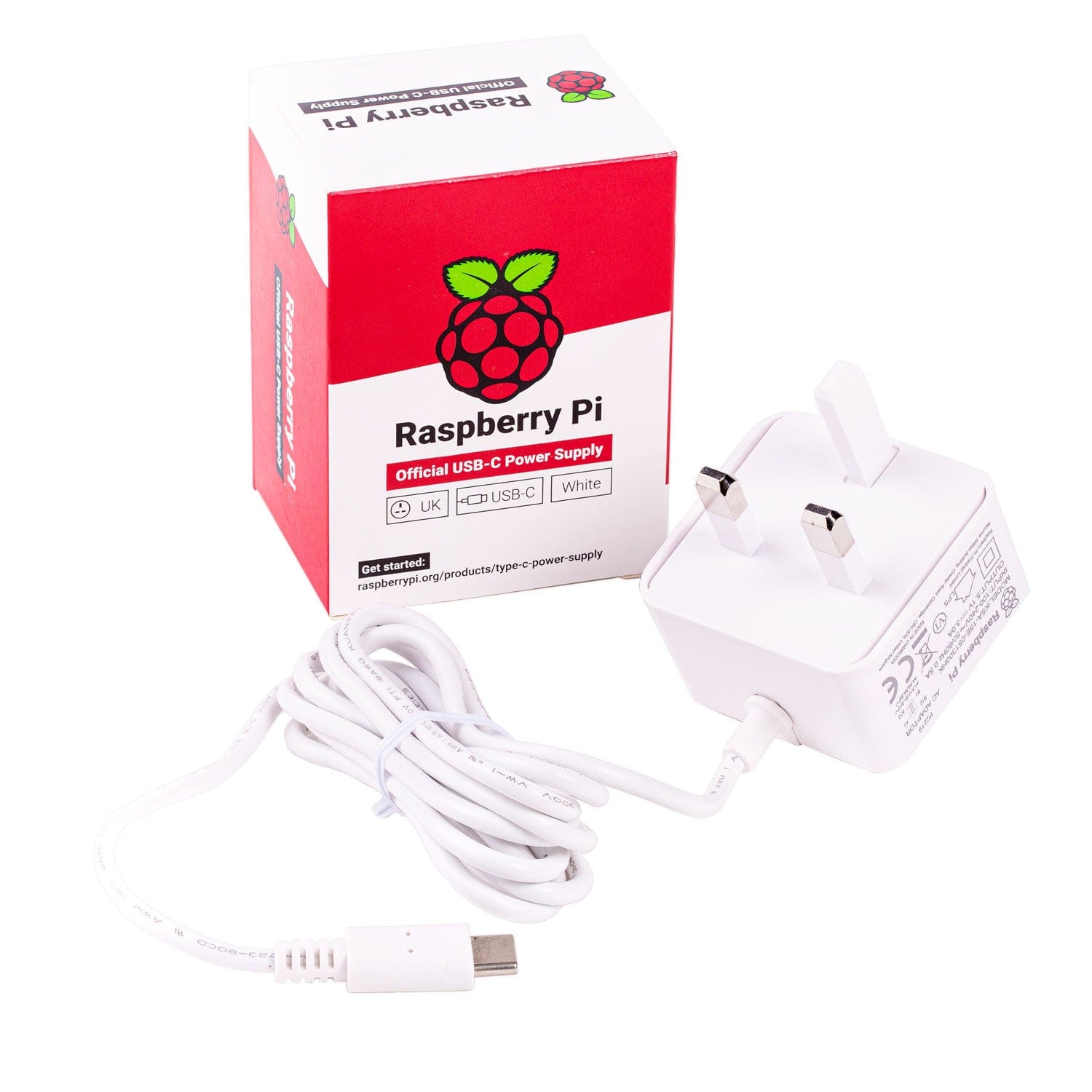
Check connectors, cable damage and the receiver’s power warnings. Persistent low-voltage warnings need a suitable supply and cable; a charger’s total wattage does not establish the voltage reaching the Pi. See Raspberry Pi’s power guidance.
Save diagnostics with sudo layer400 doctor and contact support with the receiver name, installed version, adapter model, fault time and recovery result. Keep account credentials and private setup files out of reports. Do not repeatedly reinstall the receiver or change its identity.
What the error tells us
A missing USB device, a driver that failed to initialise and a capture worker that stopped are different faults. A firmware timeout means the driver did not receive the expected response in time; it does not prove why the original disconnect happened. Power, USB connection and device/driver faults require their own evidence.
Recovery is established by fresh acquisition checks. A successful driver bind or device listing alone does not prove listening, and zero decoded drones alone does not prove failure.
Automatic recovery and notification availability
Limited private trial: the qualified home Pi 4 can retry its enrolled driver and, within its retry limits, cycle its USB power domain when it is the sole peripheral and power and ownership checks pass. Changes to device identity, topology, configuration or update state restrict recovery. The private Pi 5 component currently has no hardware-reset authority; Mobile, GPS and SDR remain protected. Other dongles need qualification.
Receiver health shows a fault immediately. The private email trial allows five minutes for recovery before escalating; fresh evidence of an active recovery attempt can extend this to ten minutes from the first fault. Two continuous healthy minutes close an unnotified incident quietly. If reception remains unverified, an email explains the observed problem and links here. A recovery email follows at least three healthy minutes only if the fault email was accepted for delivery.
Notification preferences still apply. Operational notices have a separate allowance of eight per account per hour; delivery can be delayed by this or the shared service limit. This is not a fleet-wide release. Email depends on fresh Pi reports and an available mail service; a full connection outage follows separate monitoring. A delayed notification does not change the fault shown in receiver health.
USB recovery guidance reviewed .
Power, storage and USB placement
Open a system card in Troubleshooting for its available last 24 hours: CPU load, temperature, memory, free disk, disk activity or power warnings. Missing samples remain unknown. A historical boot power flag does not tell you when an event happened, and sampled warnings are not a voltage meter.
For USB disconnects, check the power supply, cables and combined load of every radio and storage device. A suitable powered hub or compatible PoE supply can help, but Pi USB current limits still apply. Keep storage and the internet uplink connected.
The passive USB placement and antenna comparison tools help compare observed rates and errors. Change one thing at a time and repeat similar conditions. Unplugging, capture restarts, stale reports, changed settings or a hidden tab can invalidate a sample. Quiet air or different traffic cannot establish a better port or antenna. Read the comparison method.
Separate reception from delivery
Ordinary RF frames, decoded messages, unique targets and accepted contributions measure different things. If reception continues but the queue grows, check internet access, time synchronisation, free storage and acknowledgement freshness. Local queuing supports interruptions; it is bounded and does not promise unlimited offline storage.
History retention and lifetime accepted totals are separate. A shorter history result does not erase the lifetime total, and a large total is not proof of current reception. Leave gaps and unavailable readings visible when reporting a fault.
Collect a useful support report
Record the time, installed version, exact message, device identity and driver, and what changed. An administrator can download a bounded diagnostic report from Troubleshooting; review it before sharing. Automatic support reporting has its own preference. Detailed diagnostic logs are not silently uploaded.
For an unfamiliar adapter, use the private hardware report. For installation or delivery trouble, contact Layer400 with the relevant result. Do not share passwords or a private setup file in a public post.
Receiver 0.1.0-48: check-ins and recovery
The installer and automatic updater deliver the same signed receiver package. Management check-ins use signed HTTPS requests to layer400.com on port 443 and show server acceptance. Observations use authenticated TLS MQTT to mqtt.layer400.com on port 8884. Allow these outbound connections; do not expose the receiver dashboard through router port forwarding.
The new feeding credential has no weekly expiry. Internet interruptions are retried automatically, and queued observations resume within their retention limits. Management status and recent aircraft or drone reception are separate: a quiet radio does not mean a failed check-in. Older receivers may still use the legacy certificate path.
Check the installed version and the updater result in the local dashboard. Eligible .39, .46 and .47 installations can update through the normal schedule. If an older installation cannot update, use the current signed installer; do not disable authentication or TLS verification.