Plan a business receiver installation
Define the site, reception goals and maintenance responsibilities before agreeing an installation and handover.
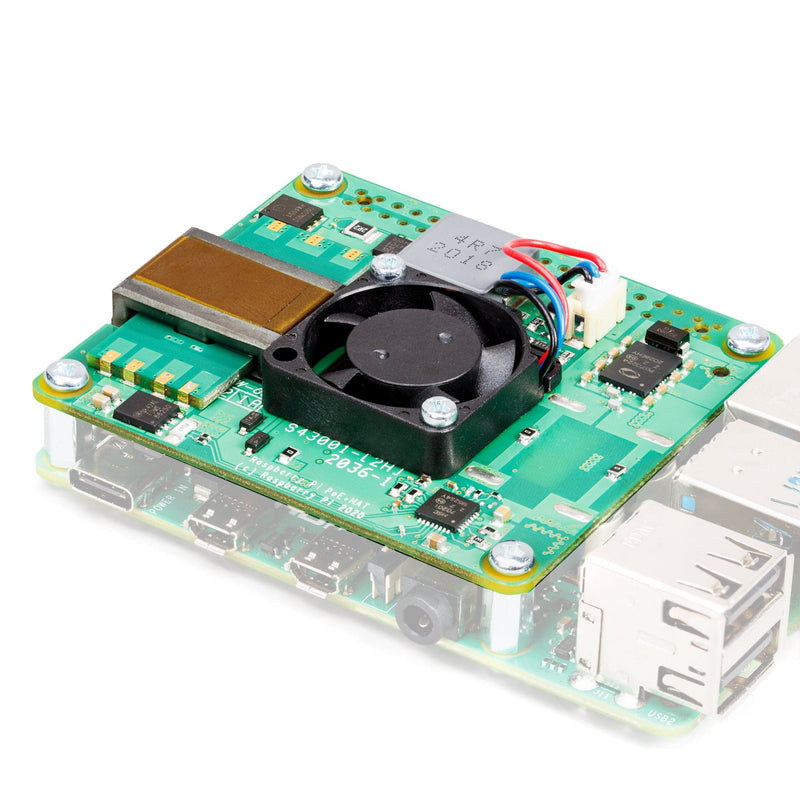
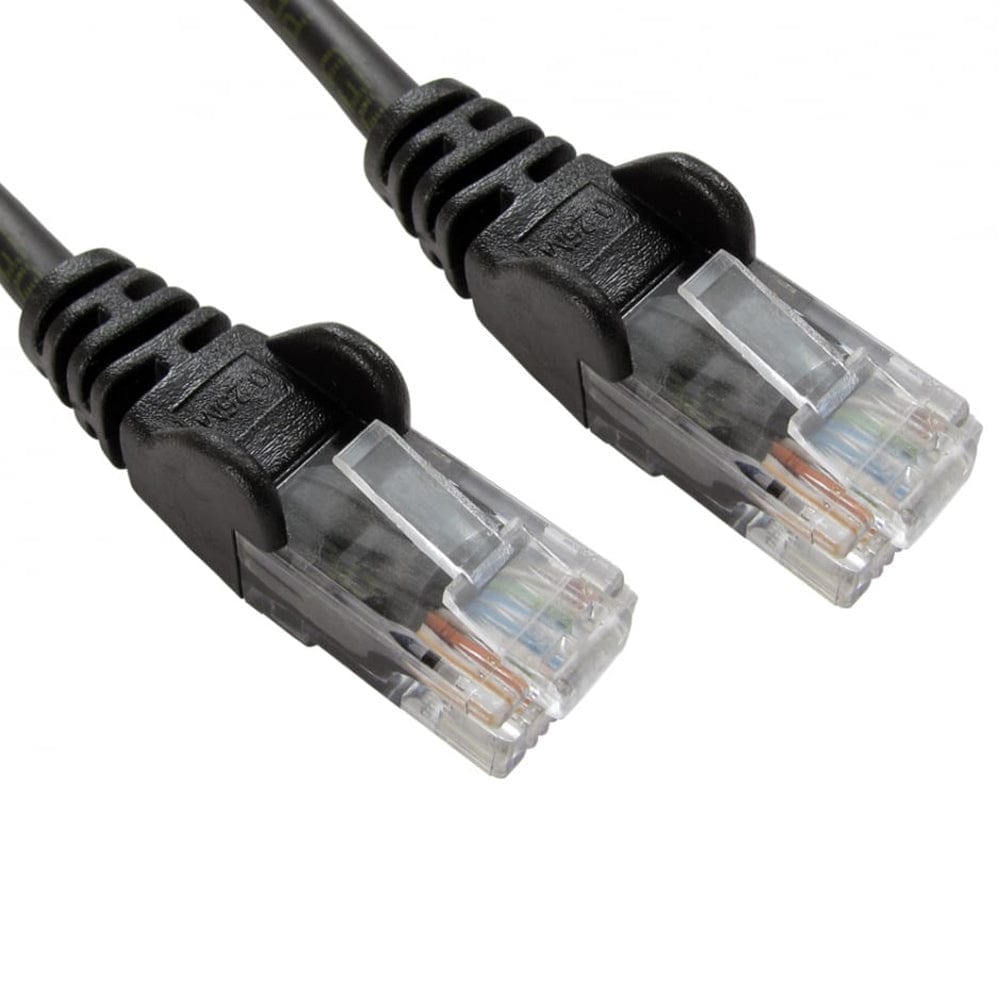
01Power + connectivity
02Access + maintenance
Write a short brief
Start with the site, the people who will use the information and the decision you want to support. Aircraft reception, Remote ID reception and a combined view are different requirements.
- Site location, approximate area and relevant terrain or obstructions.
- Fixed installation or a mobile/vessel requirement.
- Existing radios, decoders, antennas and network equipment.
- Who needs access, and what they will do with a report.
- Any installation deadlines, integrations or support expectations.
Send a high-level brief through Layer400 chat. Don’t send passwords or sensitive infrastructure credentials.
Walk through the site
Identify possible antenna positions, available power, network access and safe maintenance access. Check permission to fit equipment and any constraints on roofs, masts or cabling.
Discuss radio visibility in the directions that matter. Buildings and terrain can matter more than a receiver count. Agree whether a survey or a trial is required before fixing the final design.
Agree the delivery scope
The proposal should distinguish receiver hardware, software, mounting, cabling, networking, installation labour and ongoing support. List any external feeds, integrations, alerting or private interfaces explicitly.
Confirm data access, retention needs and responsibilities. The public personal-use download is not a substitute for agreeing commercial deployment terms.
Plan the acceptance checks
- Verify the installed equipment and its recorded location.
- Demonstrate reception with authorised, genuine supported transmissions where practical.
- Confirm decoding, upload acknowledgement and the agreed platform result separately.
- Check restart, connection loss and recovery without losing the receiver identity.
- Record the accepted software version and update/recovery route.
Agree the test environment and its limits in advance. Do not count simulated map animation as RF acceptance.
Make the handover usable
Keep an equipment inventory, installation notes, network requirements and named ownership for maintenance. Store credentials through the organisation’s approved process—not in a shared installation screenshot.
Agree how updates are approved, how problems are reported and how a receiver is relocated or retired. A working deployment needs an operating owner as well as installed hardware.
Need a hand? Talk to Layer400.
Plan local access and routine maintenance
Give each installation a friendly name, location and optional asset reference in Settings. Keep a local administrator recovery route before enabling encrypted directory sign-in. Work administrators and view-only accounts have different permissions; a Layer400 website account is separate from local dashboard access.
OpenLDAP and Active Directory integration checks used OpenLDAP and Samba AD servers. Microsoft Windows Server itself and integrated Windows SSO are not qualified. Read the work-account setup and limits before adopting it.
Set the time zone and an appropriate update maintenance window. Record who checks power, free storage, fresh radio reports and accepted contributions. Owner-reported local dashboard links still require access to the installation’s LAN; they do not create remote access or justify router port forwarding.
Guidance updated .