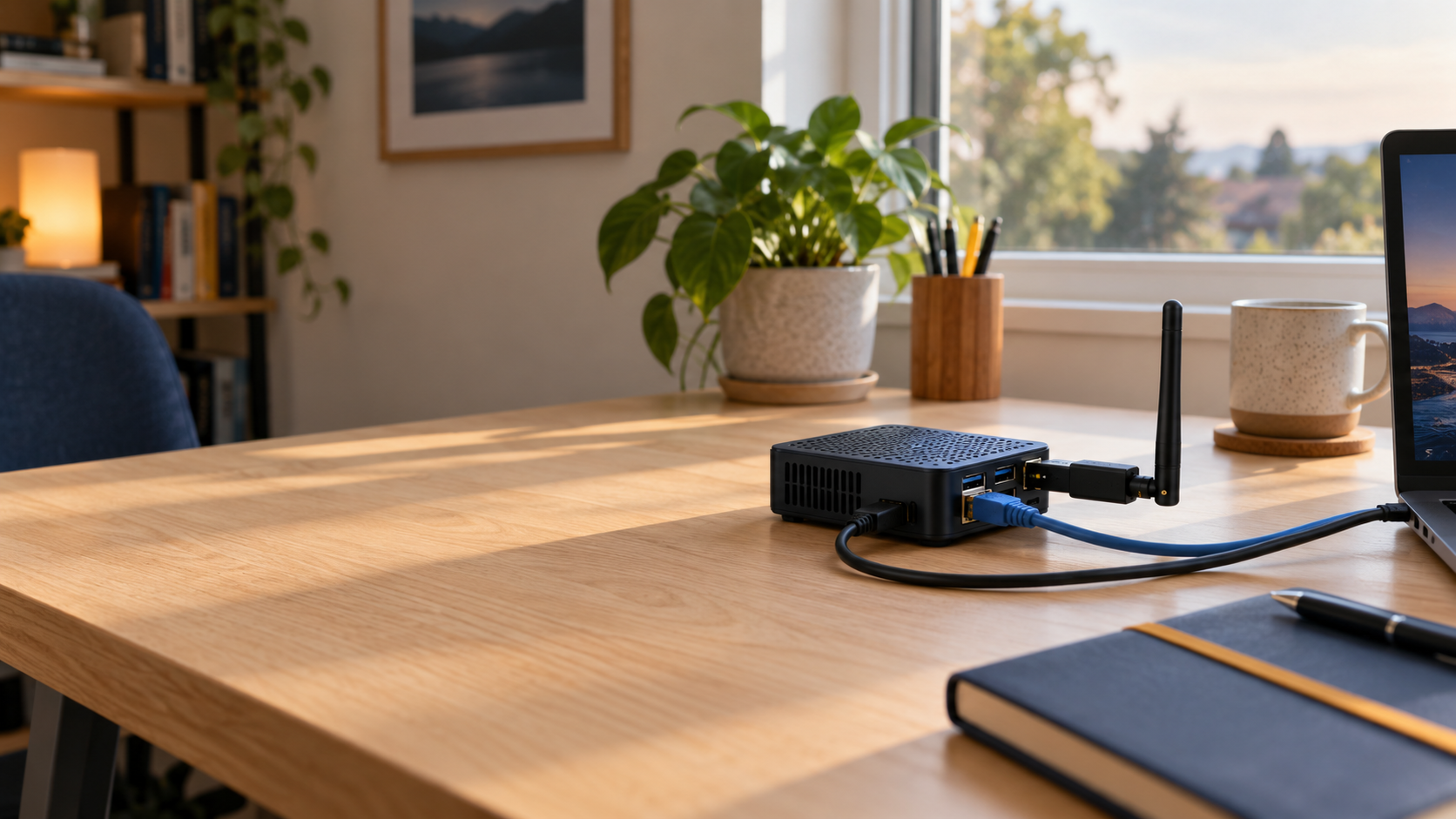
Start with your Pi.
Which Pi and operating system?
Use any compatible Raspberry Pi or other ARM64 Linux computer with APT/dpkg, systemd and resolvable package dependencies. Pi 4 and Pi 5 with Debian/Raspberry Pi OS 12/13 are tested examples, not an installation allowlist. Connect your Pi to the internet and add a dedicated monitor-mode Wi-Fi adapter for drone reception. See the full hardware guide →
Which Wi-Fi adapter do I need?
A dedicated USB Wi-Fi adapter with working Linux monitor mode and its antenna. Monitor mode listens for broadcast frames; normal Wi-Fi connectivity is not enough. Keep a separate connection for managing your Pi.
Unlisted adapters are welcome candidates. Driver, firmware, channel and capture-mode support matter more than the brand. Compare adapters →
Where should I put the antenna?
Choose a safe, accessible position with a clear view. Save the antenna location here. You can add its height on your Pi now or later. Use a suitable power supply and a reliable network connection; outdoor installations need appropriate weather protection.