Skip to build choices
LAYER400DRONE INTELLIGENCE NETWORK
Menu
CONTRIBUTE TO LAYER400

Add drone reception
to your Raspberry Pi.

Fresh installs and updates of receiver 0.1.0-63 are available worldwide on compatible ARM64 Linux systems. Listen for Wi-Fi Remote ID and ADS-B broadcasts. Already feeding ADS-B Exchange, FR24, FlightAware or another network? Layer400 is vendor-agnostic: keep your compatible setup running alongside it.

Questions? Start with the FAQs ↓
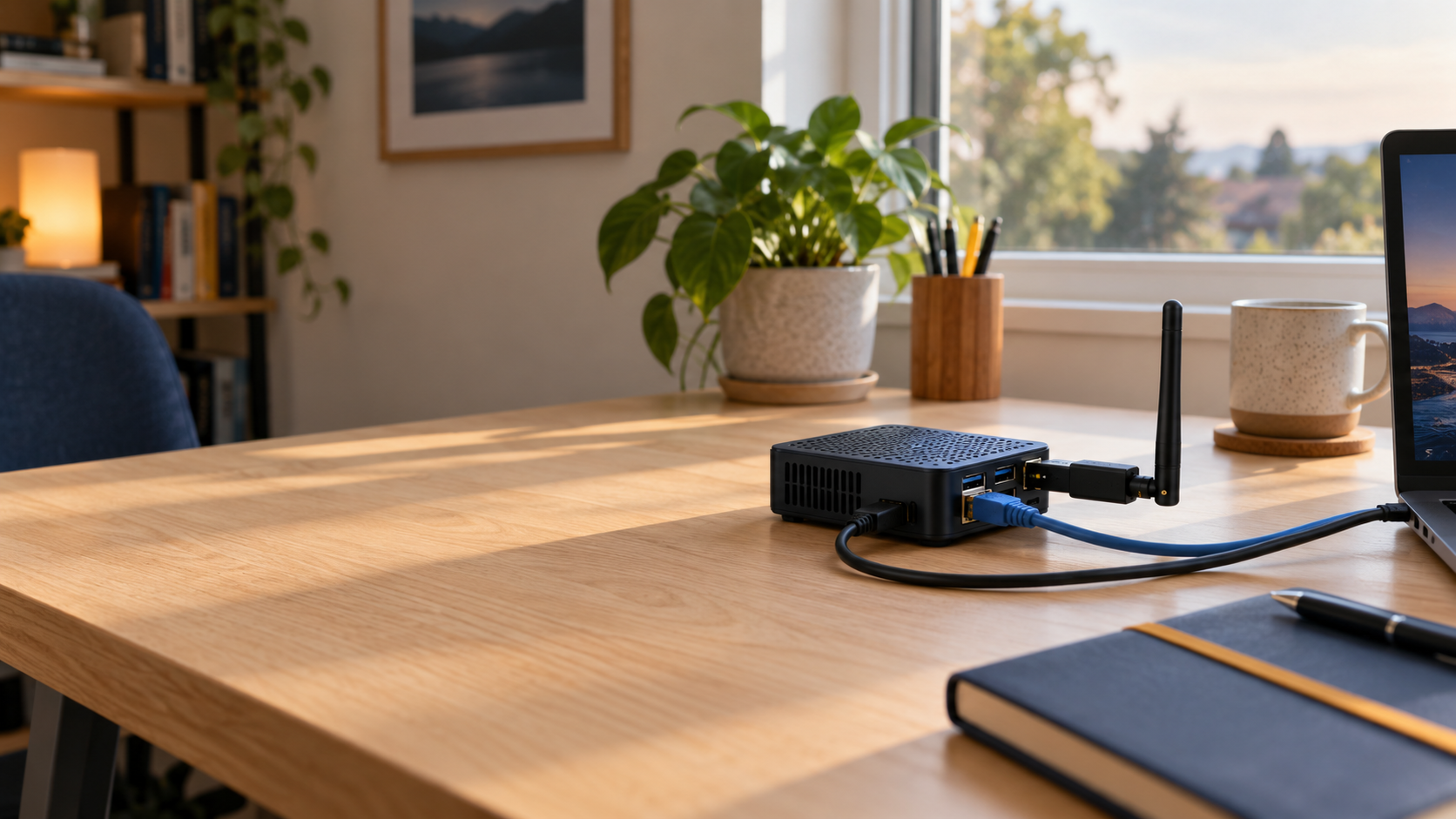
Illustrative home desk setup with a small computer, USB Wi-Fi antenna, power and Ethernet.START ON YOUR DESK
A simple place to start.Your Pi, a compatible radio, and an internet connection. No rooftop installation required.

Illustrative setup, not a photograph of a tested hardware combination. Check reception in your chosen location.

GET CONNECTED

Install & connect.

Install on your Pi. Link it to your account here.

Already installed? Connect your receiver →

IN YOUR ACCOUNT

Connect your receiver

Sign in, save its location and connect your Pi. Your progress stays saved.

Your receivers, locations and activity, together in one Layer400 account.

Checking your account…

Already running an ADS-B feed?

Keep ADS-B Exchange, FR24, FlightAware or any other ADS-B network running. Layer400 is vendor-agnostic; sharing depends on a compatible decoder, not which networks you feed. Install Layer400 using the same command above. Connection setup automatically uses a fresh, recognised local aircraft.json feed; you can review it later under ADS-B sources. No need to reflash your Pi or start a second decoder on its SDR.

A recognised, current local decoder is selected during connection setup. Check ADS-B sources on your dashboard; no second decoder or replacement SDR is needed.

This saves a reminder here; it does not configure your Pi. Custom Beast TCP and network JSON sources can be added on your receiver’s ADS-B sources page. SBS input is not supported. Feed-sharing instructions →

Check hardware compatibility

Use what you have. An unlisted Linux monitor-mode adapter is worth trying; the driver and capture mode matter, not the brand. Check your Pi, software and radio before installing. Open the hardware guide →

Keep the Wi-Fi connection that manages your Pi separate from the listening radio.

Your choice stays with you through sign-in.

CONTRIBUTOR BENEFITS

Get more from Layer400.

Your receiver helps build the network. In return, active contributors get extended playback and a closer look at what their receiver is hearing—without a personal subscription.

Contributors will be first in line to try new features as we introduce them. Tell us what works, what’s missing and what you’d like next. You’re helping shape Layer400 from the start.

Free account and active contributor access
Included todayFree accountActive contributor
Live mapIncludedIncluded
Drone playback24 hoursUp to 365 days
Aircraft playback (ADS-B)24 hoursUp to 14 days
Receiver insightsNo receiver neededMy impact & receiver health

Playback covers recordings available to your account. Contributor benefits start after 60 minutes of healthy reporting within 24 hours and continue for 14 days after the last qualifying period. Commercial and bulk API access are separate. See your account access →

HELP WITH SETUP

Your receiver field guide.

The essentials, without the guesswork.

Start with your Pi.

Which Pi and operating system?

Use any compatible Raspberry Pi or other ARM64 Linux computer with APT/dpkg, systemd and resolvable package dependencies. Pi 4 and Pi 5 with Debian/Raspberry Pi OS 12/13 are tested examples, not an installation allowlist. Connect your Pi to the internet and add a dedicated monitor-mode Wi-Fi adapter for drone reception. See the full hardware guide →

Which Wi-Fi adapter do I need?

A dedicated USB Wi-Fi adapter with working Linux monitor mode and its antenna. Monitor mode listens for broadcast frames; normal Wi-Fi connectivity is not enough. Keep a separate connection for managing your Pi.

Unlisted adapters are welcome candidates. Driver, firmware, channel and capture-mode support matter more than the brand. Compare adapters →

Where should I put the antenna?

Choose a safe, accessible position with a clear view. Save the antenna location here. You can add its height on your Pi now or later. Use a suitable power supply and a reliable network connection; outdoor installations need appropriate weather protection.

LAYER400Existing feedersYour decoder

Keep what works.

Can I keep my existing ADS-B feeds running?

Yes—ADS-B Exchange, FR24, FlightAware and other networks can run alongside Layer400 on a compatible Pi and OS. Install Layer400 alongside your existing software—no replacement SD-card image is required. Add a separate Wi-Fi monitor-mode adapter for drone Remote ID.

For aircraft, connection setup automatically selects a fresh, recognised local feed. Review it later under ADS-B sources. Layer400 reads readsb or dump1090’s aircraft.json, including dump1090-fa used with PiAware. Your existing decoder keeps control of its SDR and other feeders can keep using its output. Don’t start a second decoder on the same SDR.

If the existing computer cannot meet the ARM64 Linux requirements, leave it working and run Layer400 on another compatible computer at the same station. Choose IP to read the decoder over your private LAN. No port-forwarding is needed. You can also add a custom Beast TCP source on the Pi; SBS input is not supported. Detailed feed-sharing instructions →

Can I add Bluetooth Remote ID later?

Wi-Fi Remote ID comes first, with ADS-B alongside it. Bluetooth (BLE) Remote ID is an optional third path for drones that actually transmit it—including some small drones. Size alone does not tell you which radio a drone uses, and not every drone broadcasts Remote ID.

Layer400 has BlueZ HCI support, but exact BLE adapter and firmware reception qualification is still developing. Don’t buy a generic Bluetooth dongle assuming it will work. Check the Bluetooth hardware guidance →

What if my hardware isn’t listed?

The catalogue is a guide, not a brand allowlist. Try compatible Linux monitor-mode hardware, or send a private device result or support request. Community reports and hardware specifications are not the same as Layer400 release verification.

Add when ready

Stay connected.

When do contributor benefits start?

Link your receiver to your account and let it report. Benefits start after at least 60 minutes of healthy reporting within 24 hours. A working receiver can qualify even when the sky is quiet; you do not need to receive a minimum number of aircraft or drones.

If your receiver goes offline, benefits continue for 14 days after its last qualifying period. Your account, receiver and earned awards stay yours. Benefits return when the receiver qualifies again.

Contributor playback covers available recordings: up to 365 days for drone Remote ID and 14 days for ADS-B aircraft. Use My impact for contribution statistics and Account for your current access and any grace-period expiry.

Connected, but no drones on the map?

A quiet sky is okay. This page verifies account connection; your Pi’s status page shows radio and capture health. Receiving nothing is not proof of a setup failure—or an all-clear. Check the Pi for missing radios, driver errors or capture failures before assuming there are no broadcasts nearby.

The setup file expired

Return to Connect and create a fresh file for your saved receiver. Your name and location stay saved. Keep the file private and delete your downloaded copy after importing it on the Pi.

Updates, privacy or a business installation?

Your Pi’s Updates page checks for signed releases; you choose when to install. Downloads & updates.

Your account, credentials and precise installation point are not public map markers. Receiver privacy notice.

Planning a receiver for an organisation or a vessel? Business and vessel deployments are scoped separately.